Technology Wishing Well

Caution

We never really did finish writing up this project before we headed off on our next ridiculous Maker Faire build. And then the one after that was a revamp of this one, renamed ‘Pirograph,’ which – you guessed it – we never really finished writing up either.

One of these years I’ll find time to make a really good version of this project, and will probably write it up as a tutorial for MagPi magazine or something. But I wouldn’t hold your breath. If you’re a final-year student at Northumbria who’d like to explore a project at the intersection of OpenGL, coding instruction/education and computer art… please drop me an email!
Maker Faire is an international network of events celebrating people who make, craft, build and do, using technologies old and new. The movement started in California ten years ago, with the first international Maker Faire starting a couple of years later not merely ‘right here’ in the UK, but right here in Newcastle. Maker Faire UK is a big deal: it’s more than 100 exhibitors and ten thousand visitors gathering at the Centre for Life for two days of show and tell, hands-on experience, performance, and invention.

For last year’s Faire, Think Physics built a family activity – the Light Wall – and a pendulum wave piece which was part instrumented physics demonstration and part musical sculpture.

Our planning for 2016’s Maker Faire UK started even before the last one finished. Both our installations saw a terrific response last year, but we particularly liked the family discussions prompted by the Light Wall. We also enjoyed the technology aspects of the pendulum installation, as the techniques we learned pointed us in some interesting directions with our other work through the year.

So this year, we built… the Technology Wishing Well.

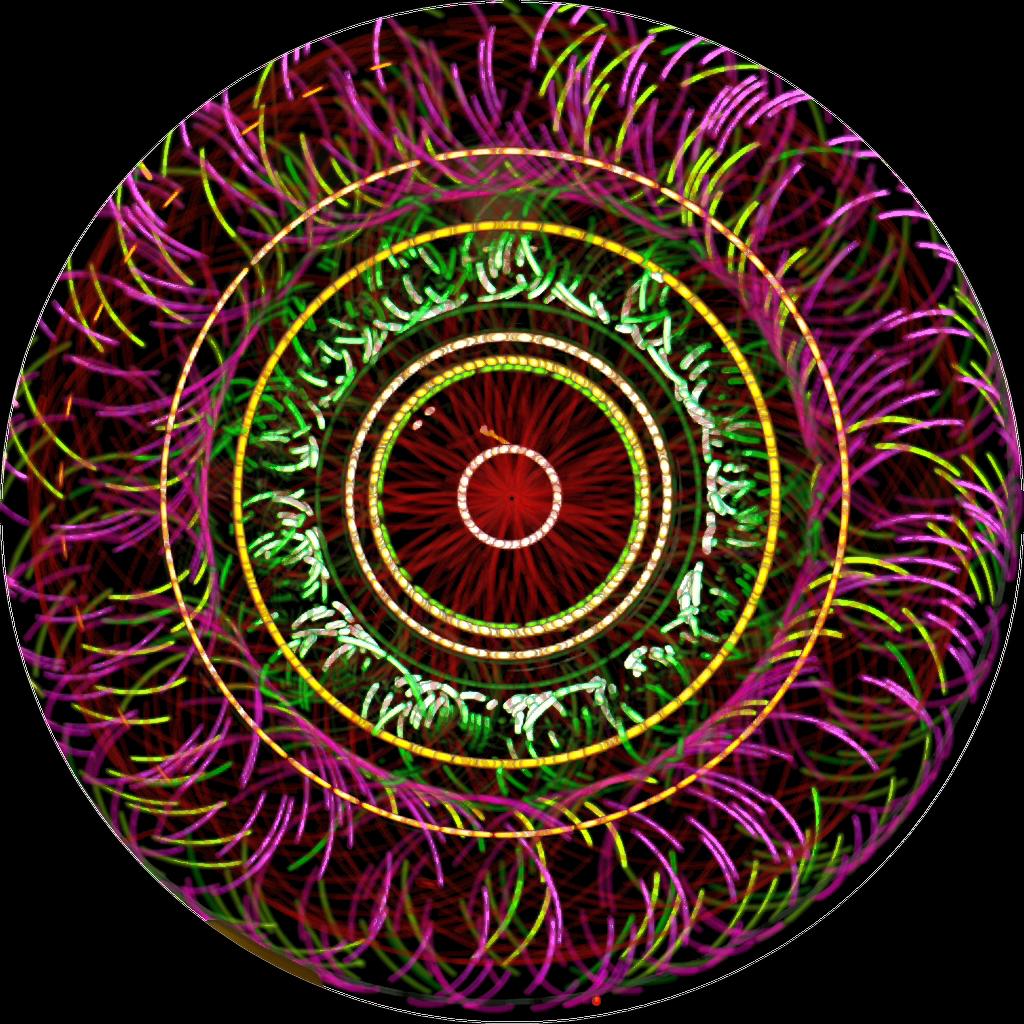
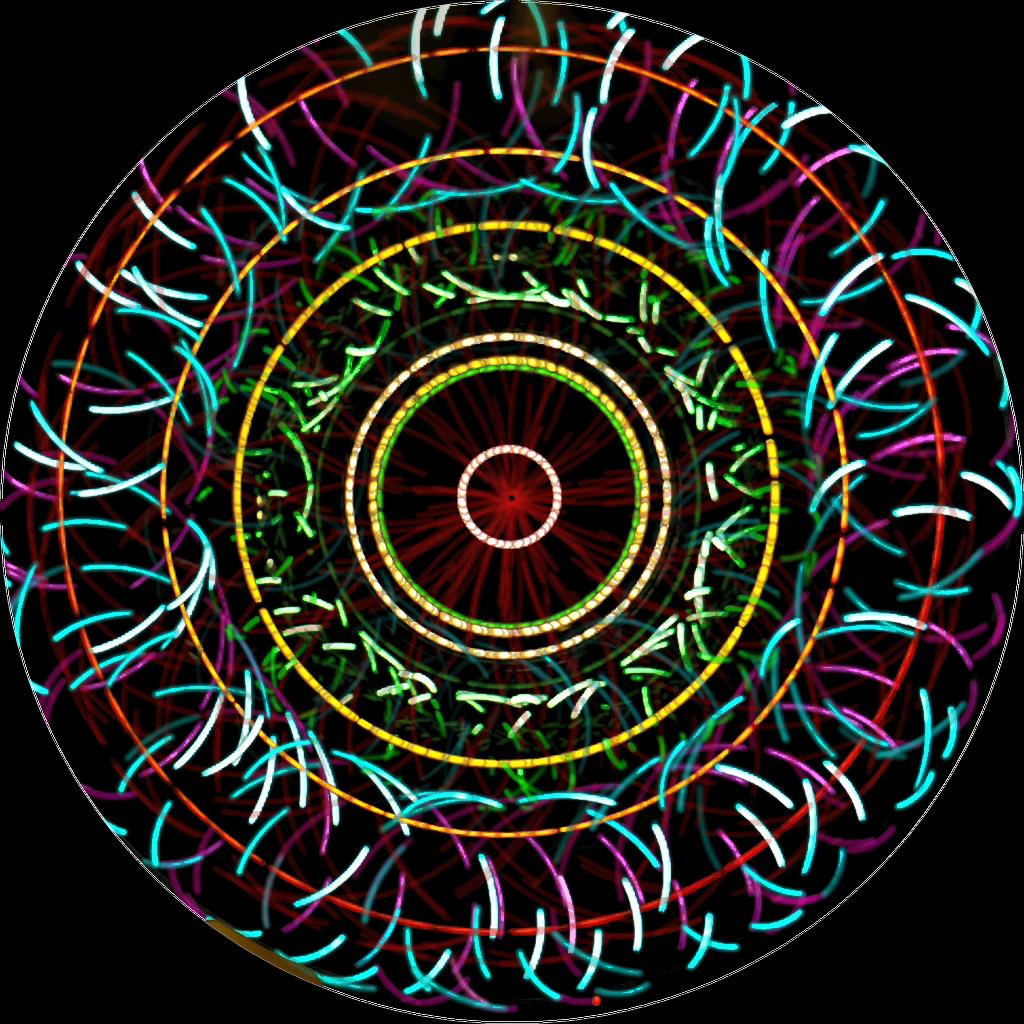
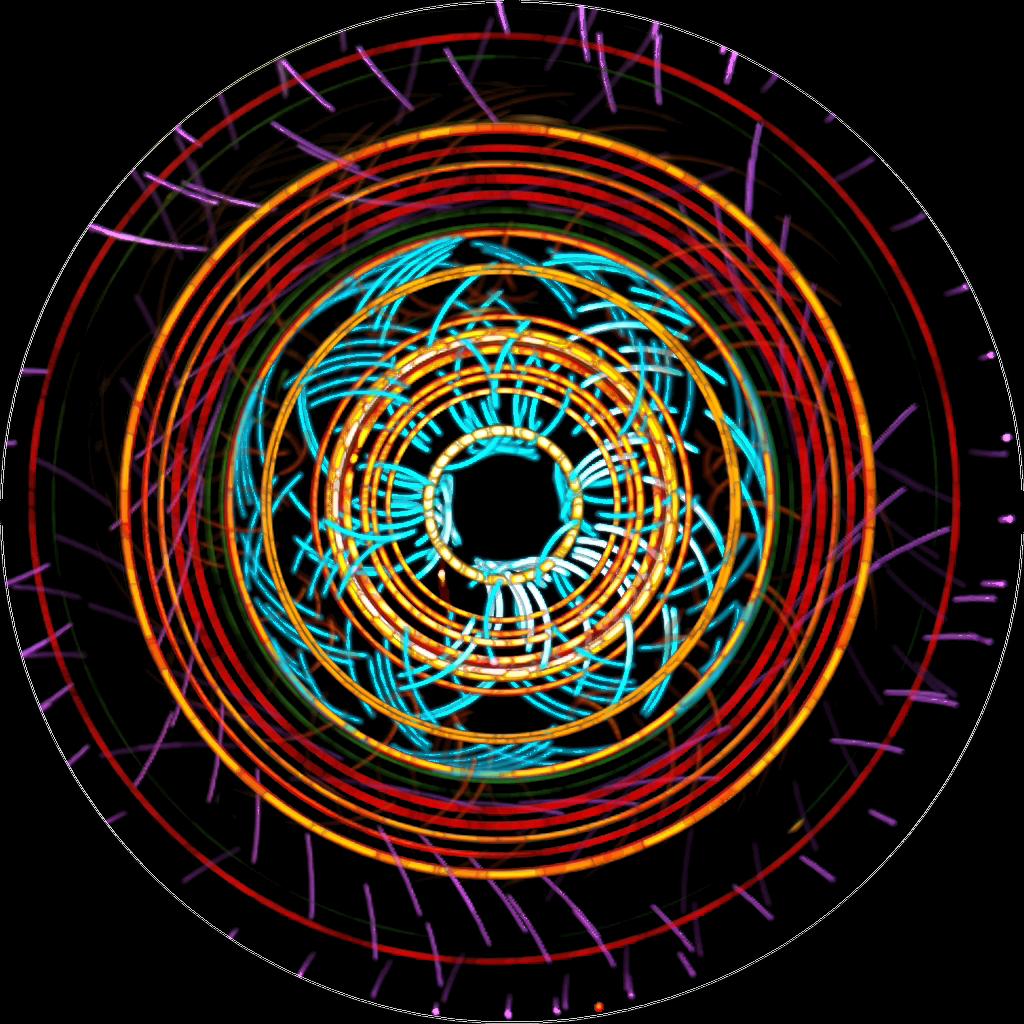
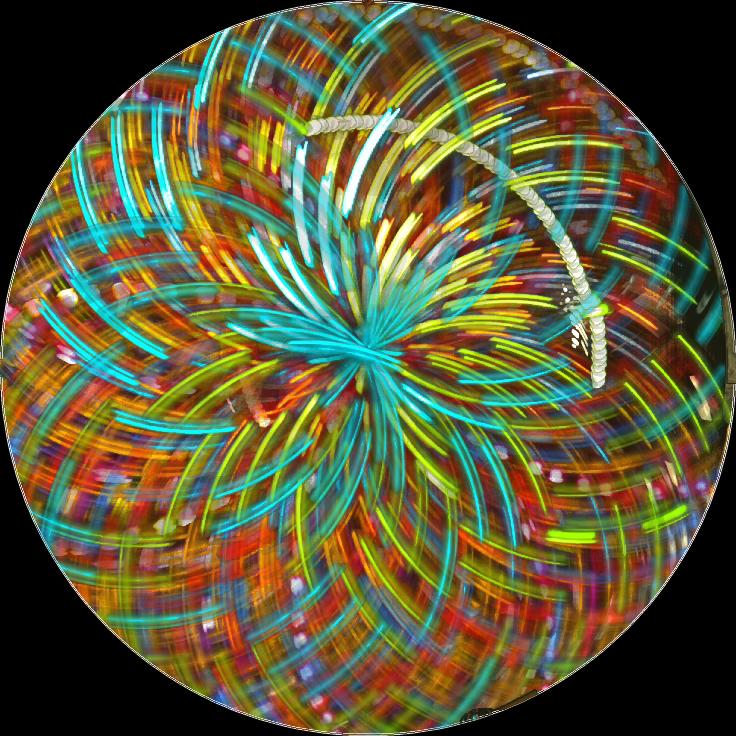
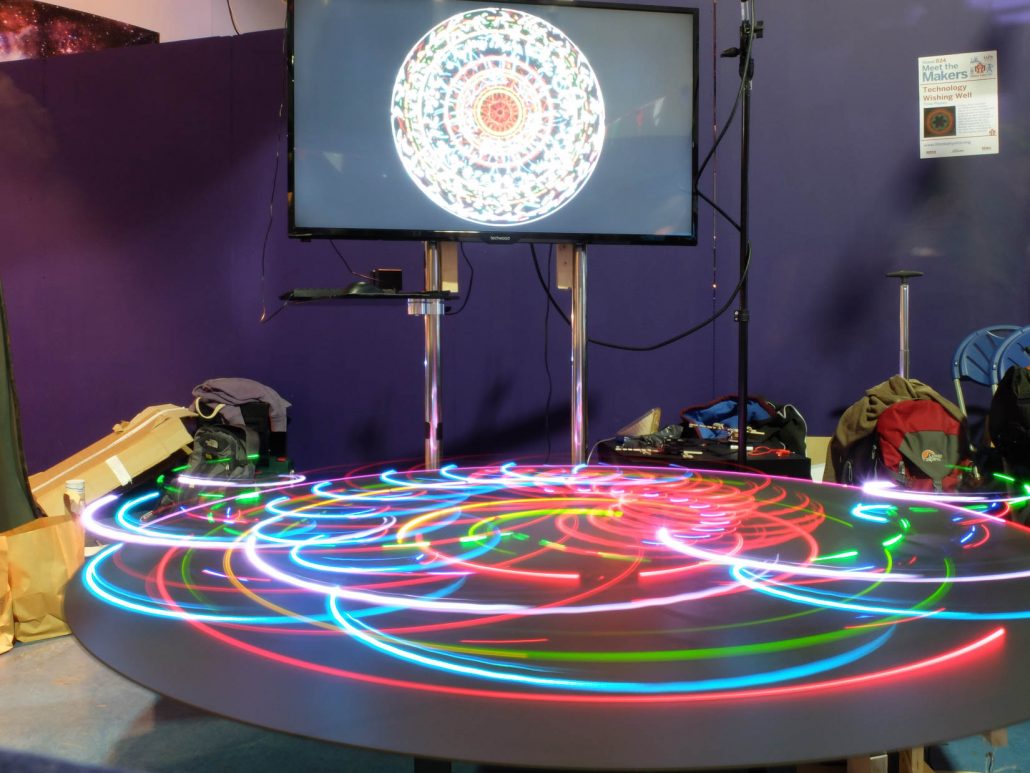
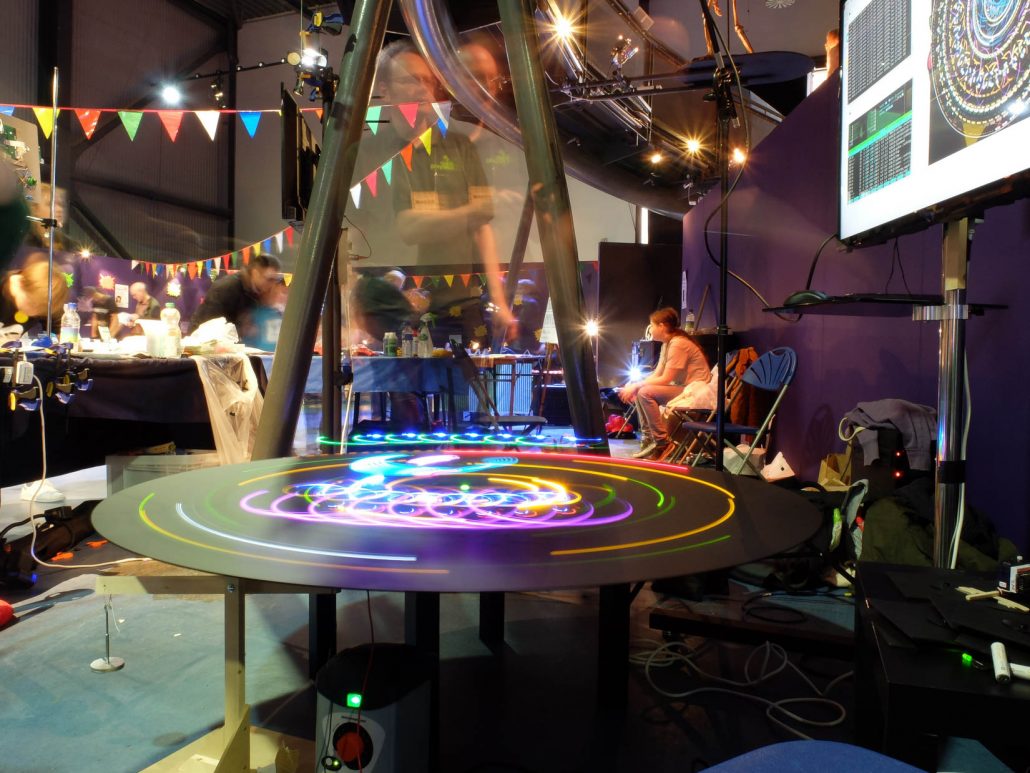
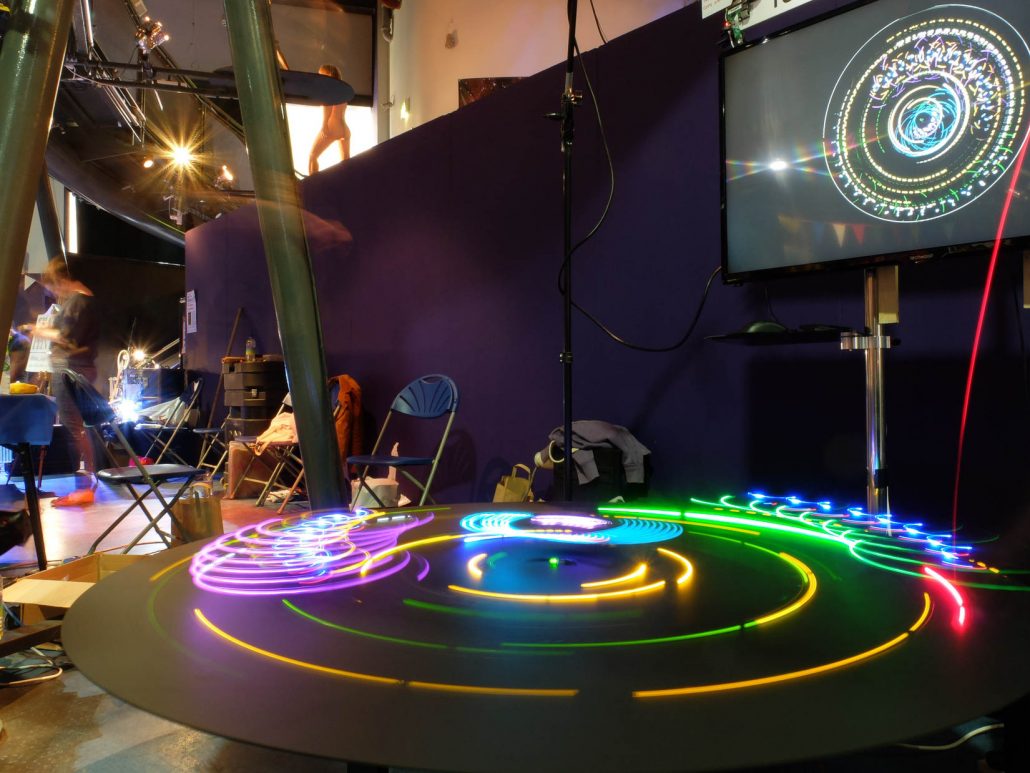
Long-exposure photograph of the  Technology Wishing Well installed at Maker Faire UK, 2016. Image: James Brown.

Award–Winning!

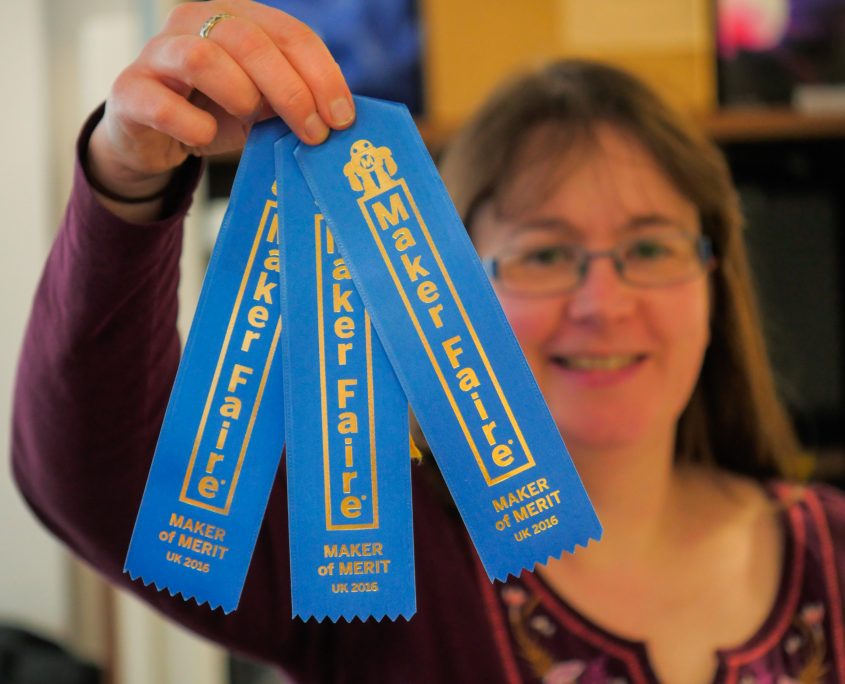
We’re proud to say that the Well picked up not one but two ‘Maker of Merit’ blue ribbons from Maker Faire UK, including one from Maker Media VP and co-creator of Maker Faire itself Sherry Huss, who was visiting from San Francisco.

The third ribbon Carol’s proudly displaying here was also from Sherry, for our Light Wall activity (which also picked up a blue ribbon last year). So Think Physics now has two multi-award-winning Maker Faire installations. Yay us!

Wishing Well Gallery

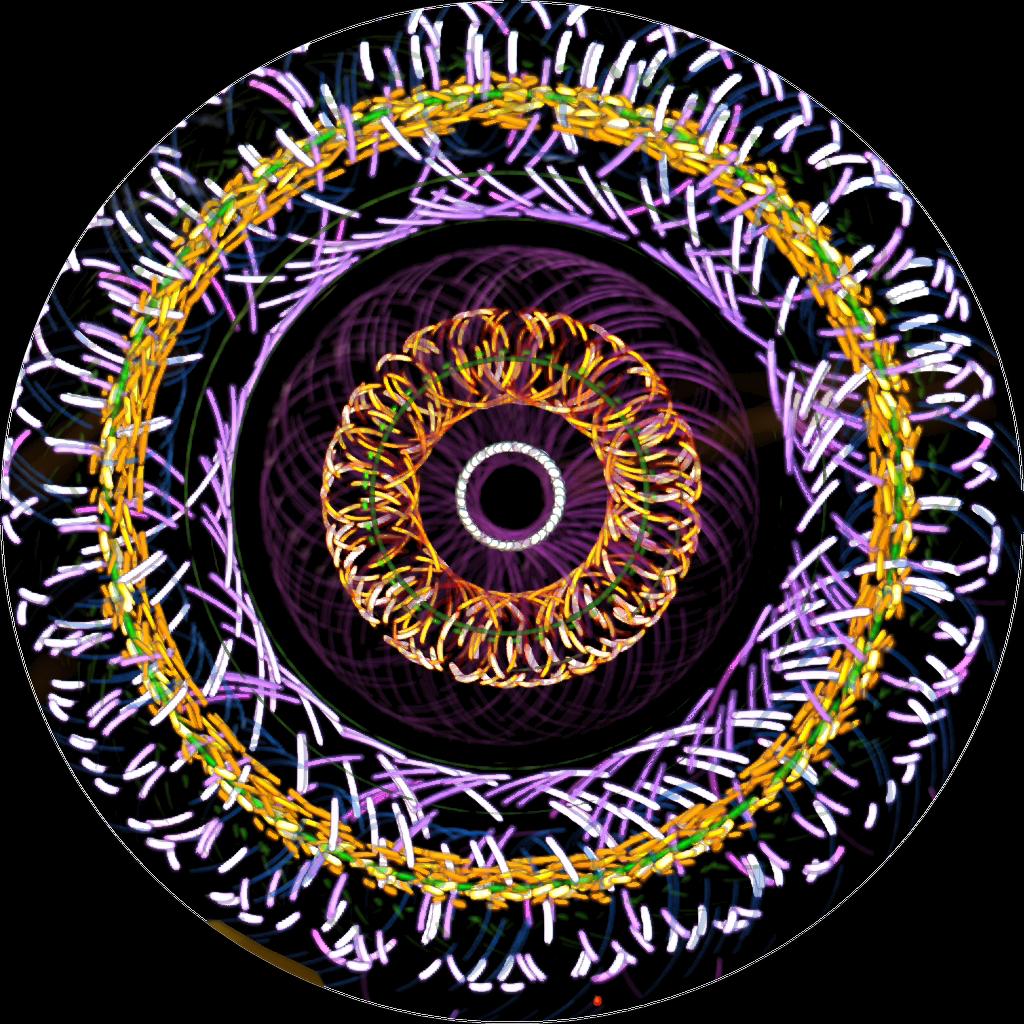
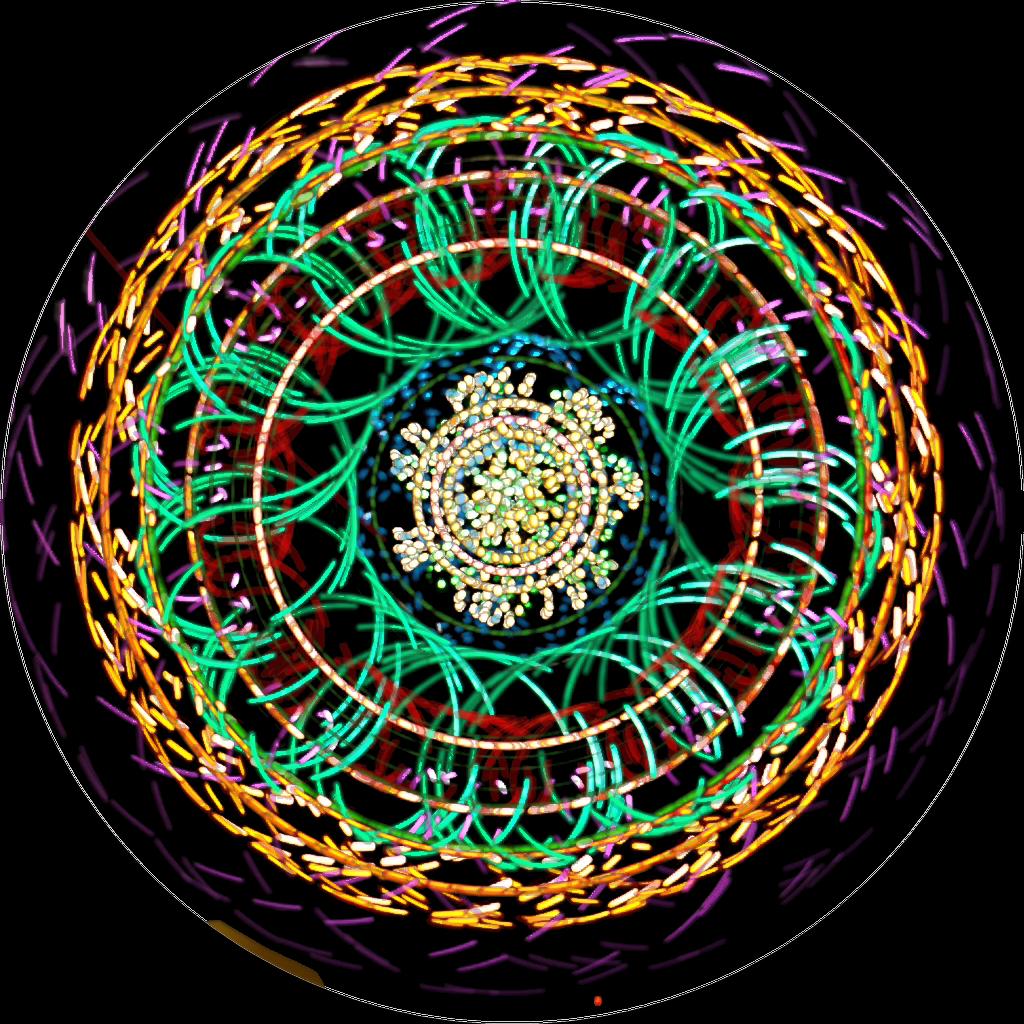
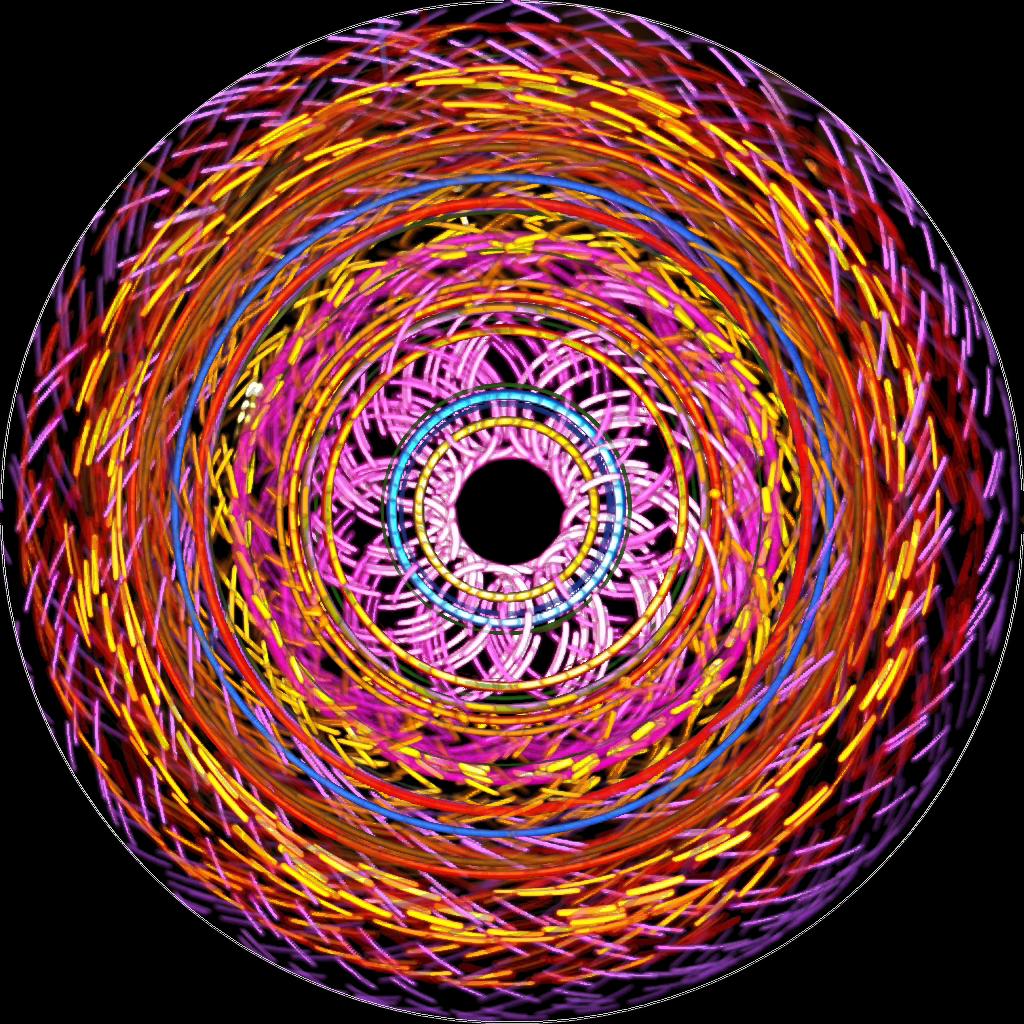
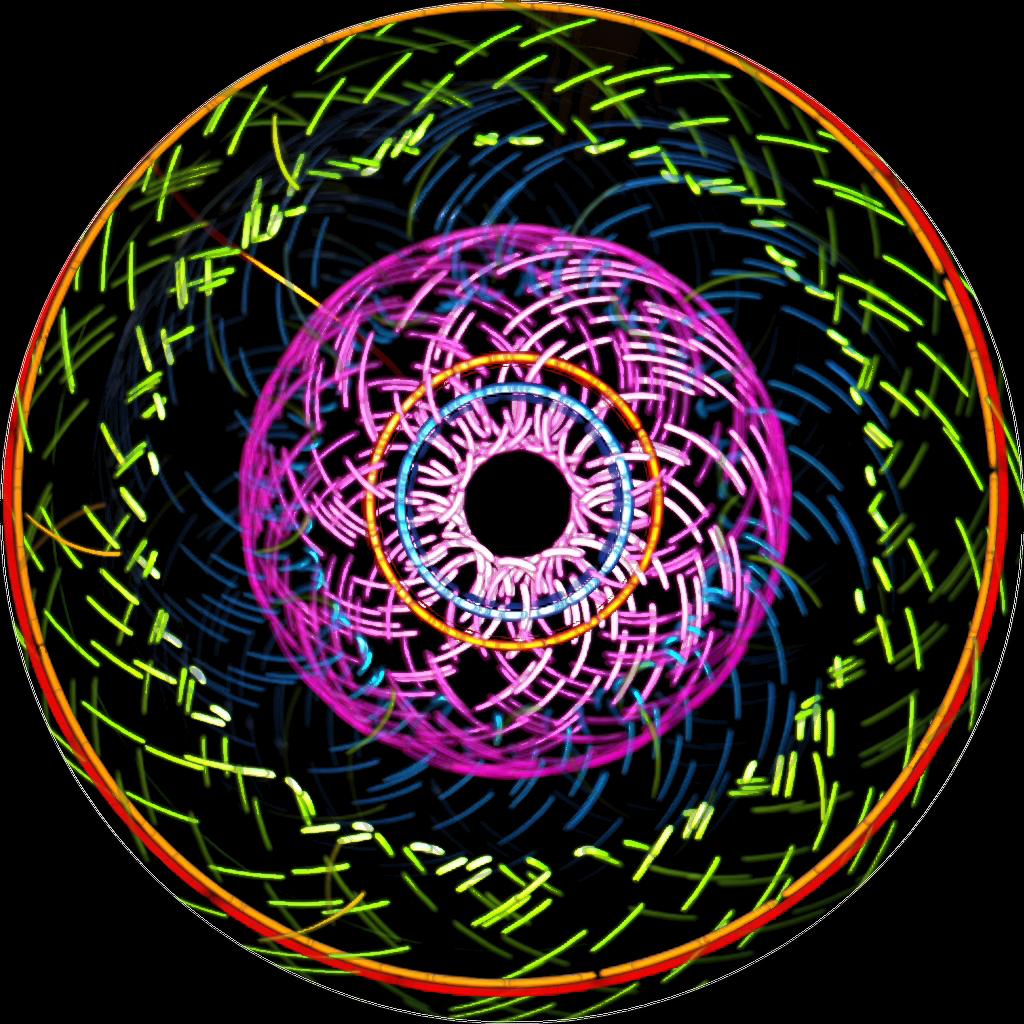
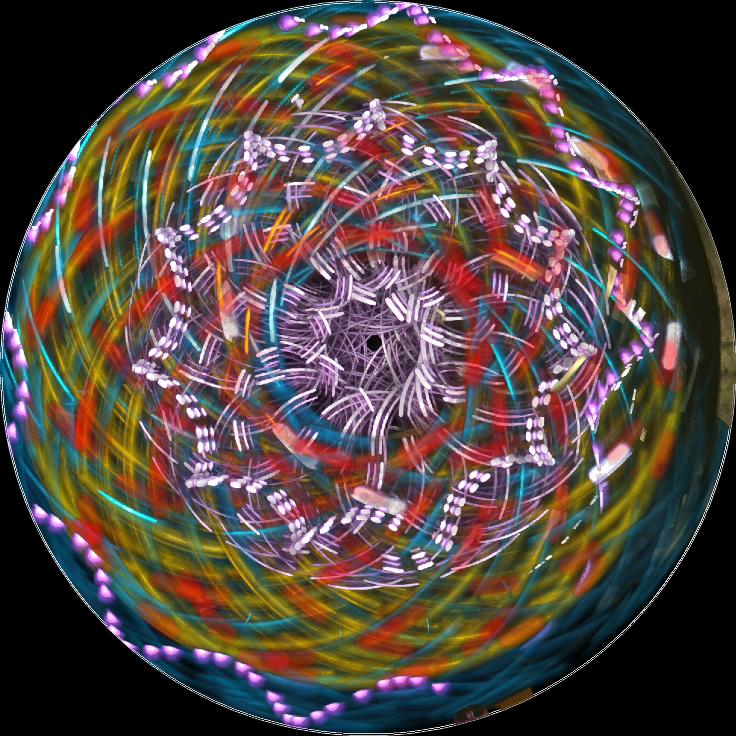
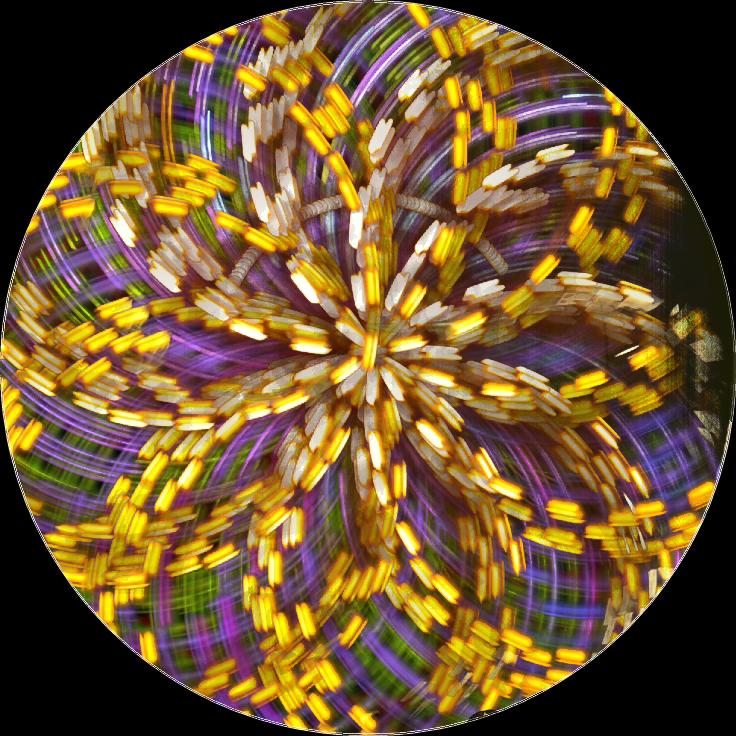
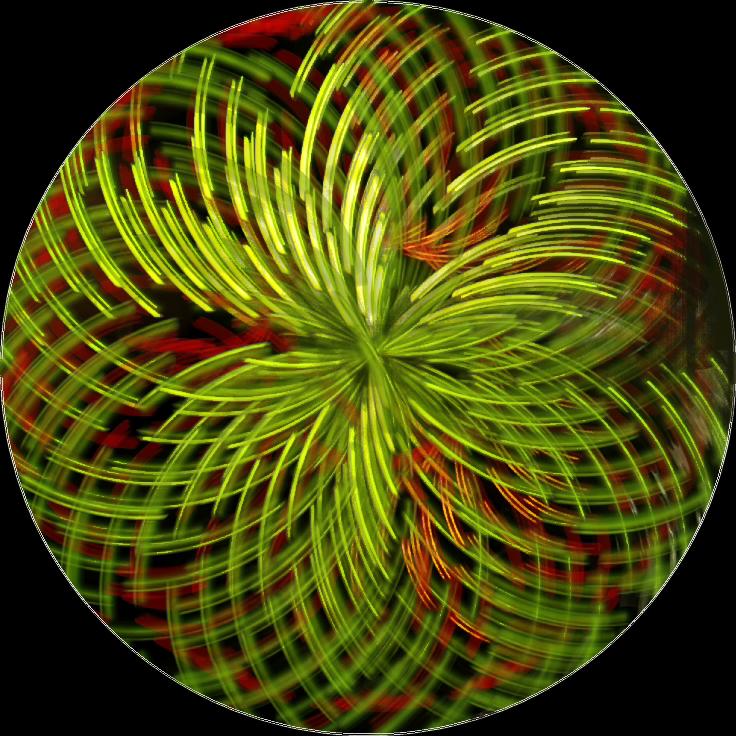
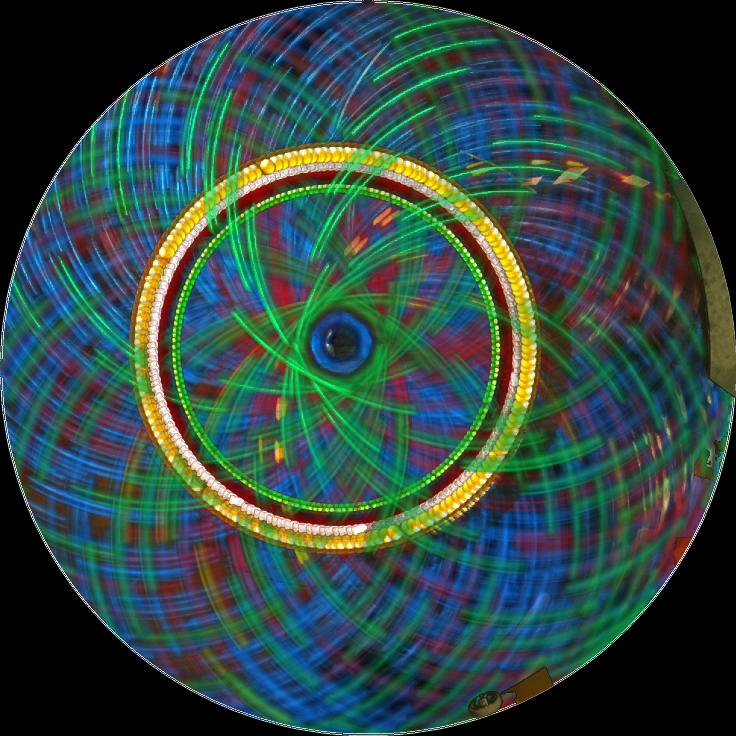
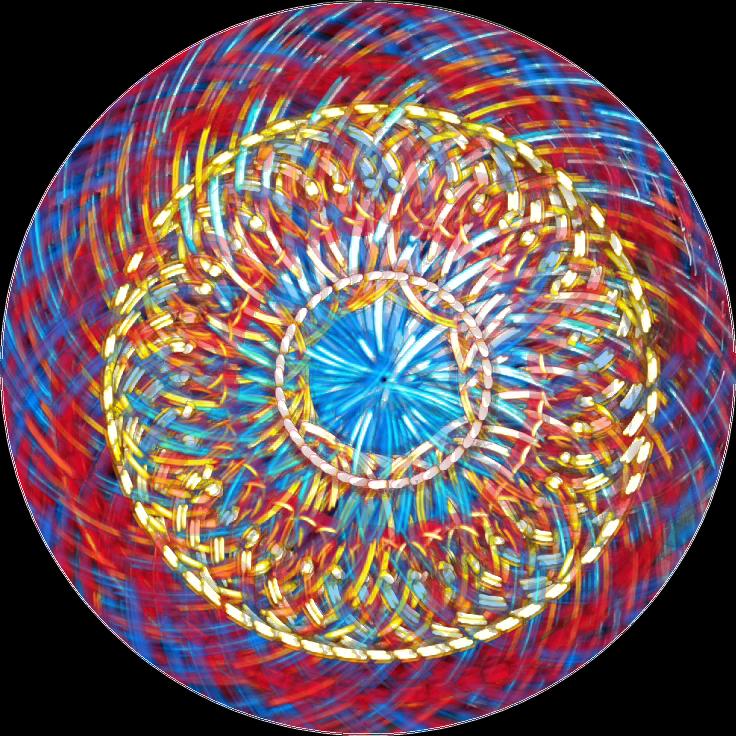
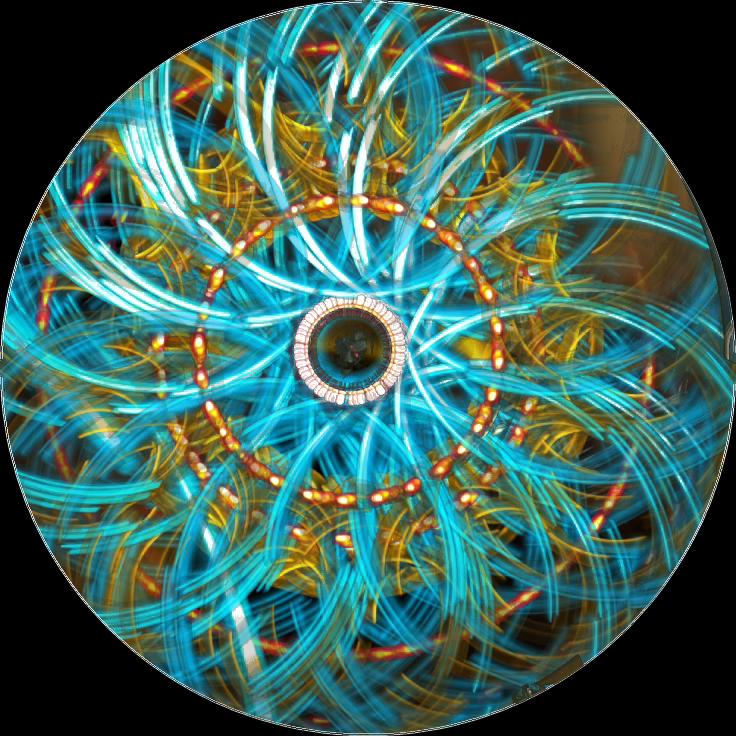
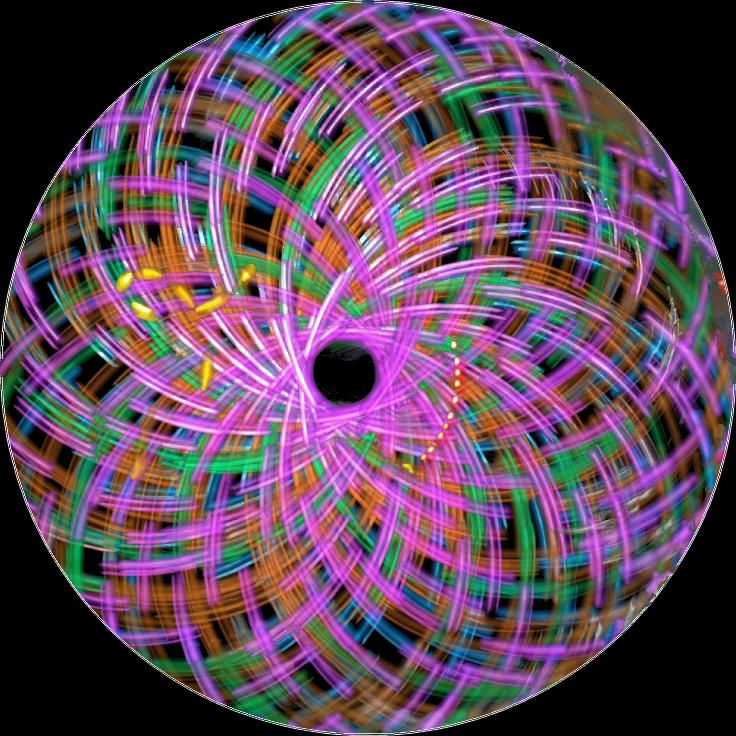
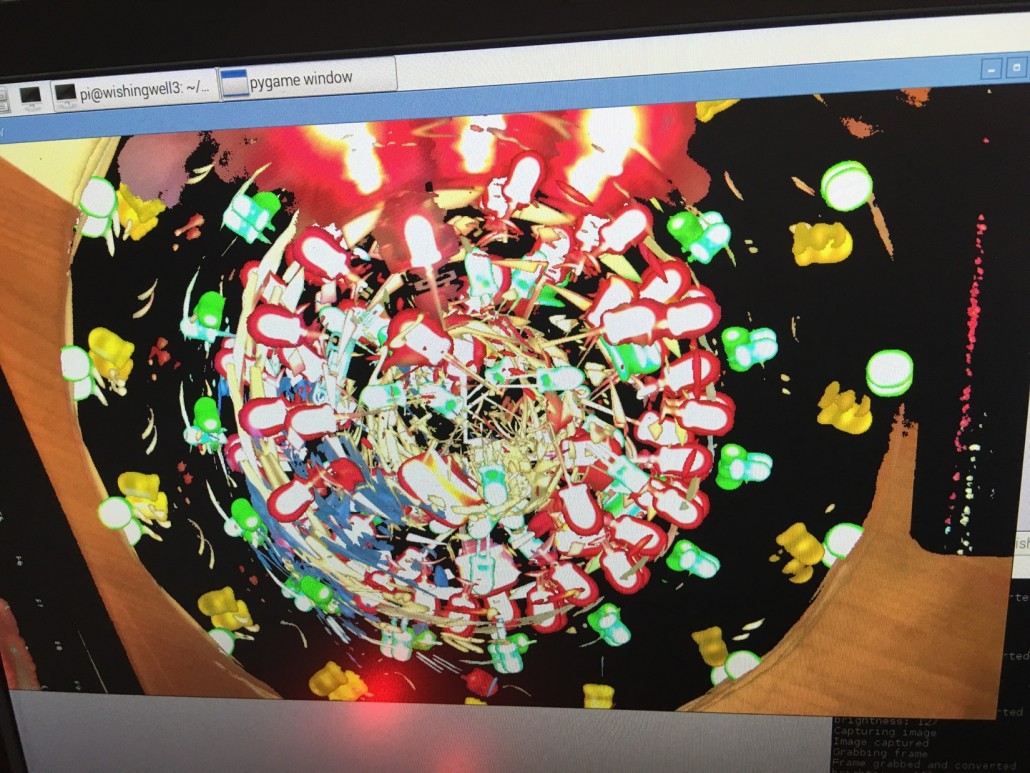
Our pick of some of the best images the Well has produced to date. These pictures build up very gradually – the gallery images took anything from a few minutes to an hour to produce. It’s mesmerising to watch…

What the Well is

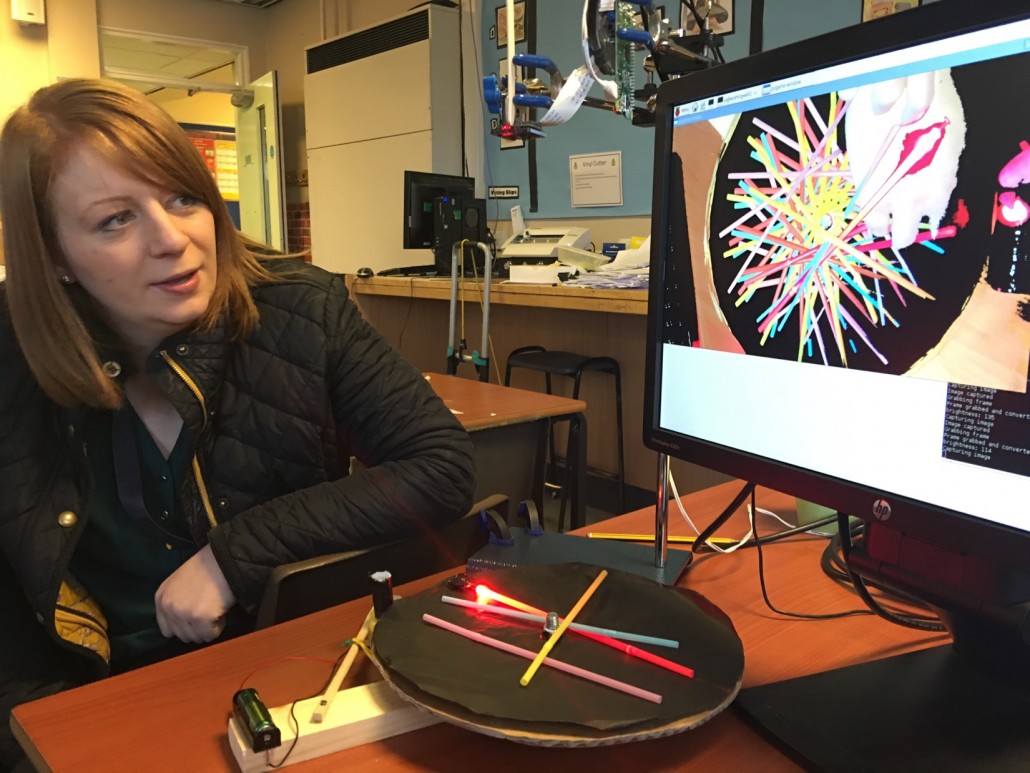
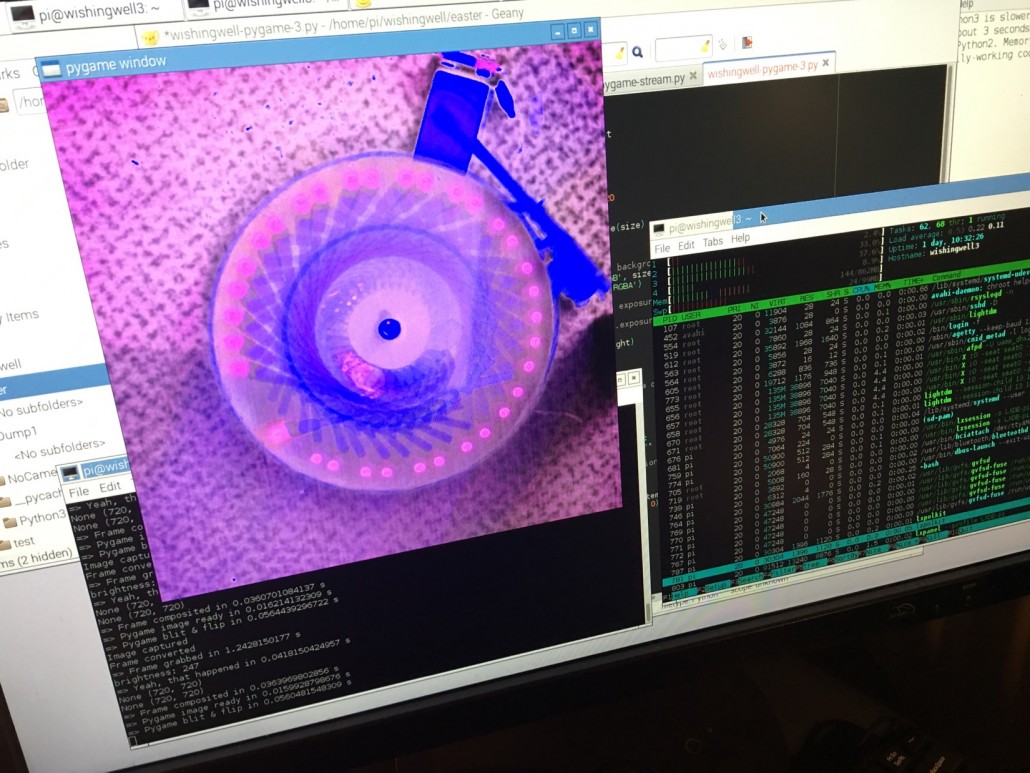
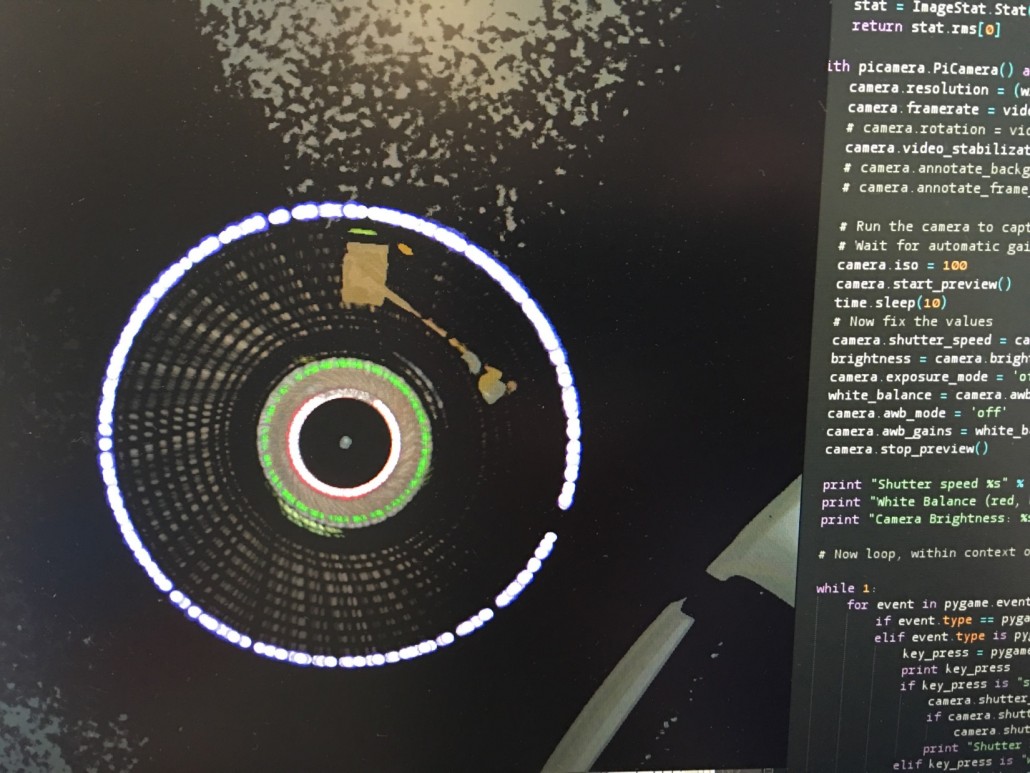
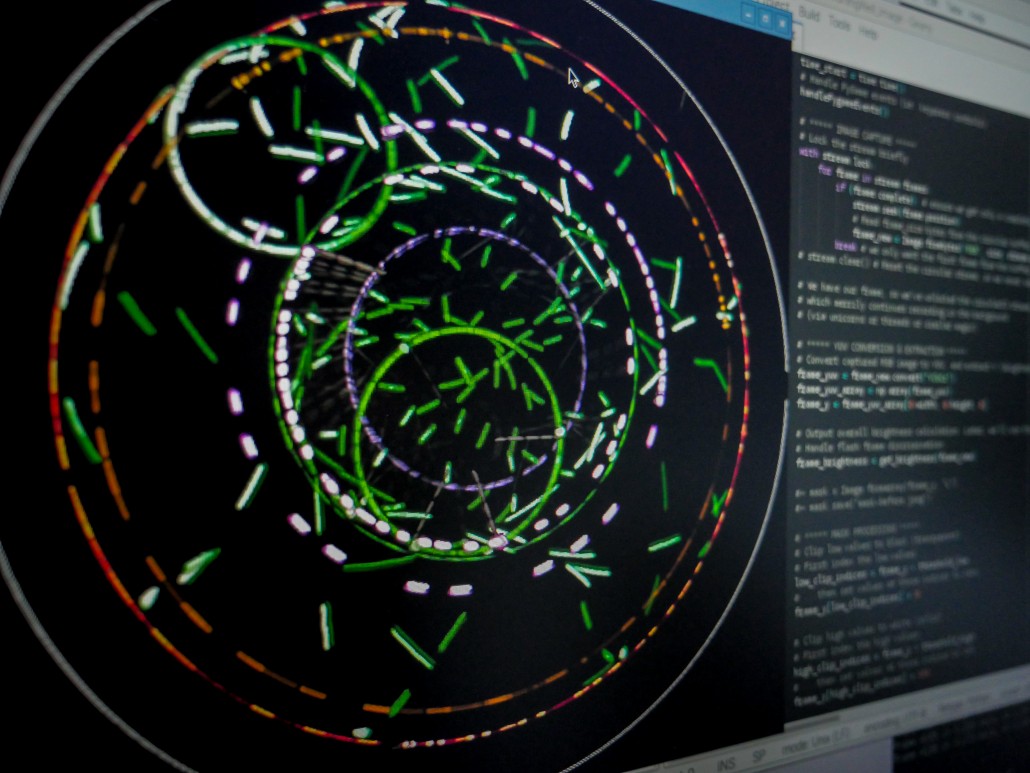
A large black turntable disc spins slowly. Above it, a camera takes photographs, and some simple image processing turns all the black parts transparent and adds all the photographs together, displaying the result on a large screen. So far, we have a device which takes photographs of… nothing.

Add a light to the turntable, however, and soon the screen is showing a circle – the path traced by the light as the turntable turns. More lights = more circles.

Add lights mounted on rotating arms, and you get… what, exactly?

The Technology Wishing Well is a device for exploring patterns and the ways rotating objects interact with each other.

How to use the Well

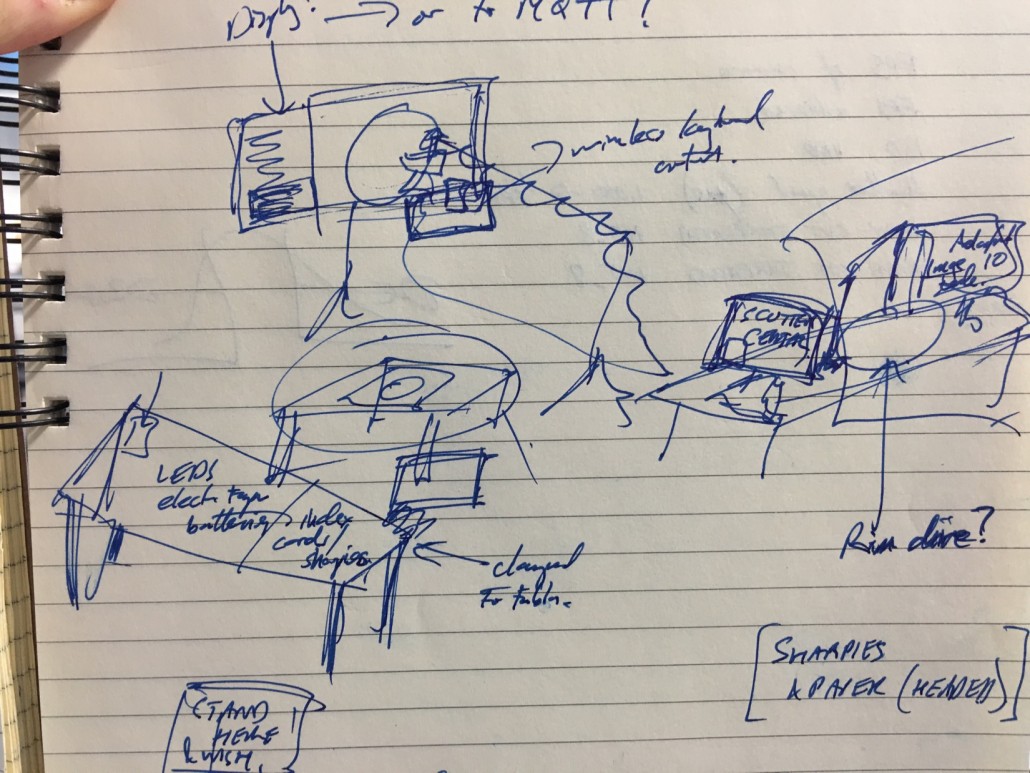
At Maker Faire UK, we invited visitors to make a wish. You need two things to wish at a wishing well: a thing to wish for, and a token to cast into the well. Traditionally the tokens are coins, so for the Technology Wishing Well visitors make illuminated tokens our of coin cell batteries. A battery, LED light, and a twist of black tape, and you’re done.

More challenging is working out your wish. What future technology would you like to see? What are your hopes? Your dreams? Your aspirations? Your concerns, perhaps? Write a note on a card, hold it up to our selfie camera, and the Well tweets your photograph and your wish, along with its own comment.

Then you cast your token into the well, and see how it contributes to the swirling display as it develops.

Make your own Well!
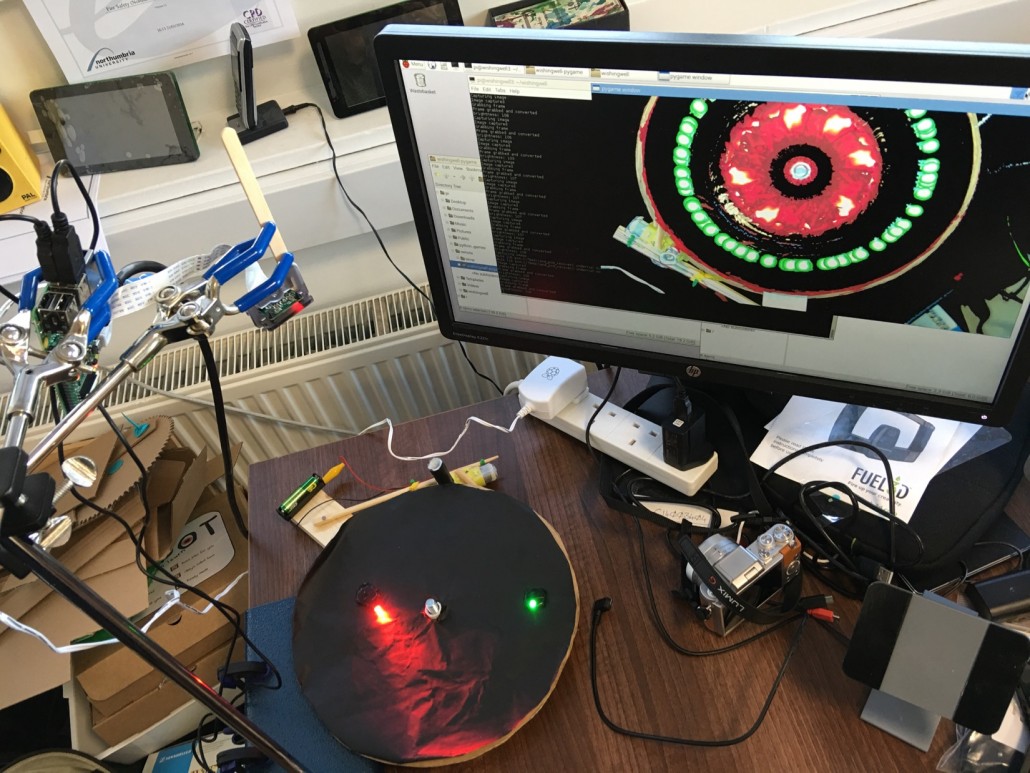
We’re going to write up a proper ‘how to’ guide, based around the tabletop demonstration Well we built. If you’d like to build your own, you’ll need:

  • A Raspberry Pi 2 or 3.
  • A Raspberry Pi Camera (we haven’t yet tested with the new Camera module v2, but it should be easier to work with and produce better results than the older cameras we used).
  • A lazy susan cake turntable. Ikea sell a decent one for £5.50.
  • Some black paint or card, to cover your turntable.
  • Some way of clamping the camera above your turntable. We used lab retort stands, but you could use an angle poise lamp and some gaffer tape.
  • An extension cable for the Pi Camera is helpful, though we didn’t have one for ages and just clamped the Pi itself.
  • A motor to turn the turntable is good, though not essential.
  • A few LED lights, flat watch batteries, and black tape. Though there’s a lot of fun to be had using things like straws and coloured pens, too.

Problems

The biggest issue with the Well is that it just isn’t very quick: the code draws a few frames per second only, which isn’t as satisfying as we’d hoped. At one point (on a plane to Bangkok, as it happens) I got fairly heavily into Python performance profiling, hoping I’d find a single slow subroutine I could work around. Unfortunately, my conclusion was… er… that Python is a bit slow for this sort of thing.

A couple of years after the Well we rebuilt the system and used a big dual-Xeon workstation to run multiple instances of the algorithm in Processing. That was great in that it allowed us to have eight simultaneous streams going on, but each one ran at only about the same rate as the Python version.

At some point, we’ll curl up with a good tutorial and learn just enough OpenGL to see if we can get the transparency and compositing calculations running on graphics hardware. Because that should look spectacular. But at present rates of progress, we don’t expect this to happen… er… soon.

The Technology of the Well

The list of technology the Well uses surprised us even as we were making it. Partly because it’s a long list, and partly because most of this stuff was reasonably easy to glue together. We’re not great programmers at Think Physics, but with a little perseverance and a lot of Googling we’ve managed to build this wondrous thing. We’re very proud of ourselves, and if we can do this, so can you.

The Well uses:

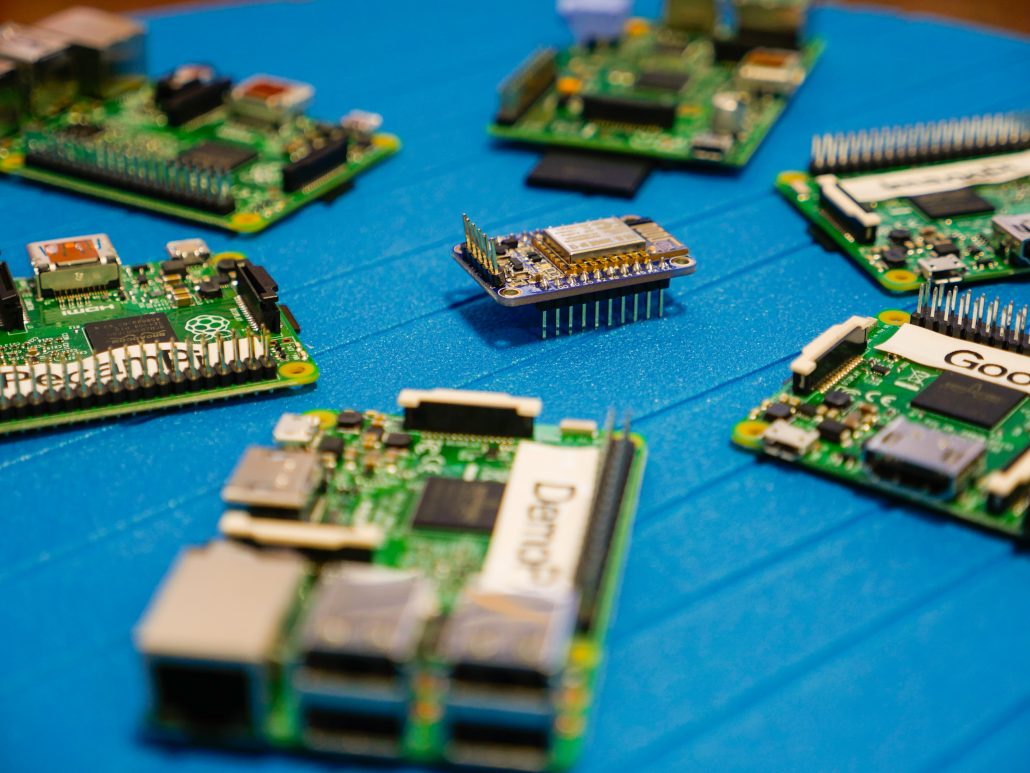
  • A Raspberry Pi (3) and Pi Camera to do all the core image processing. The main application runs in PyGame, using a combination of Pillow and Numpy for image manipulation.
  • A second Pi – this time a Pi 2 – to handle the Twitter camera. This Pi also pulls images off the first Pi every so often, to tweet the current state of the Well.
  • A third Pi pulls images off the second, displaying a gallery of the wishes of previous visitors. This Pi is as old as they come – an original 256Mb RAM Model B. It’s sloooooow, but it does the job.
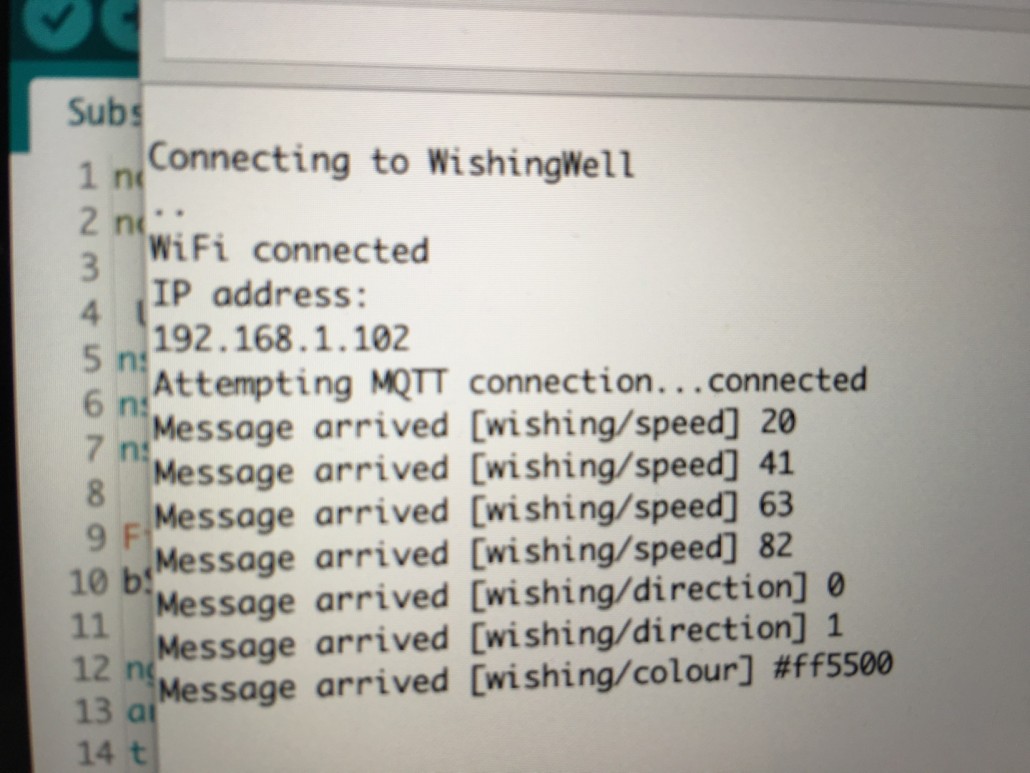
  • fourth Pi (maybe a 3? I’m honestly not sure) commands the rotating light robots. It runs the Mosquitto MQTT server for message-passing, and a graphical application written in PyQt.
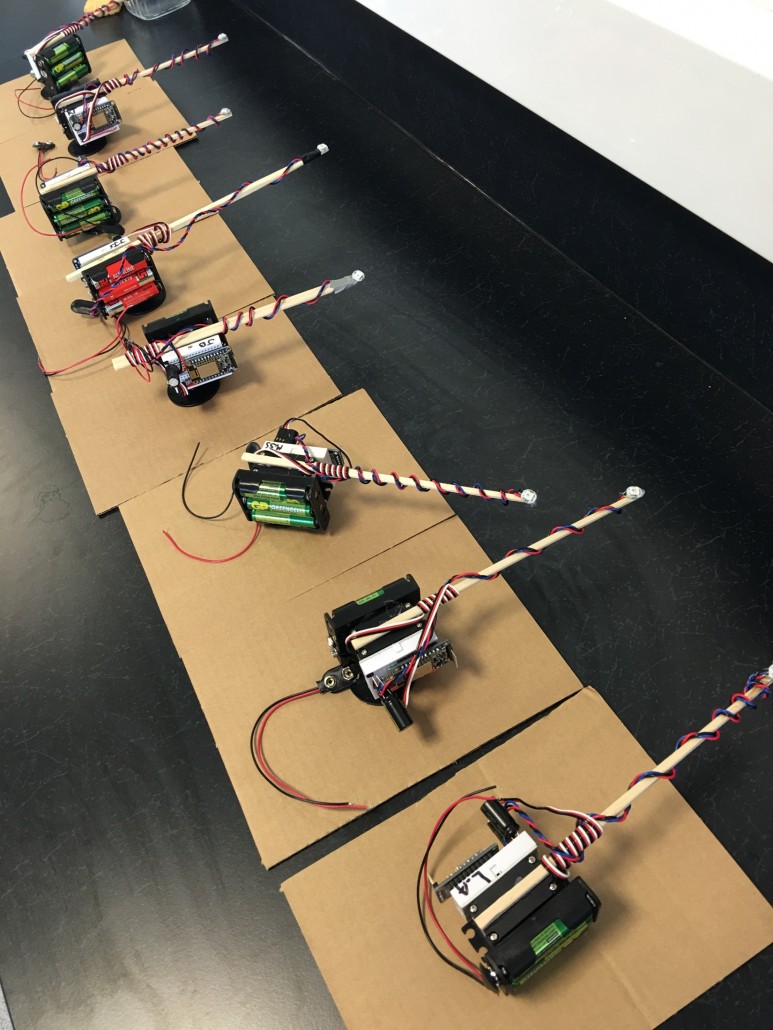
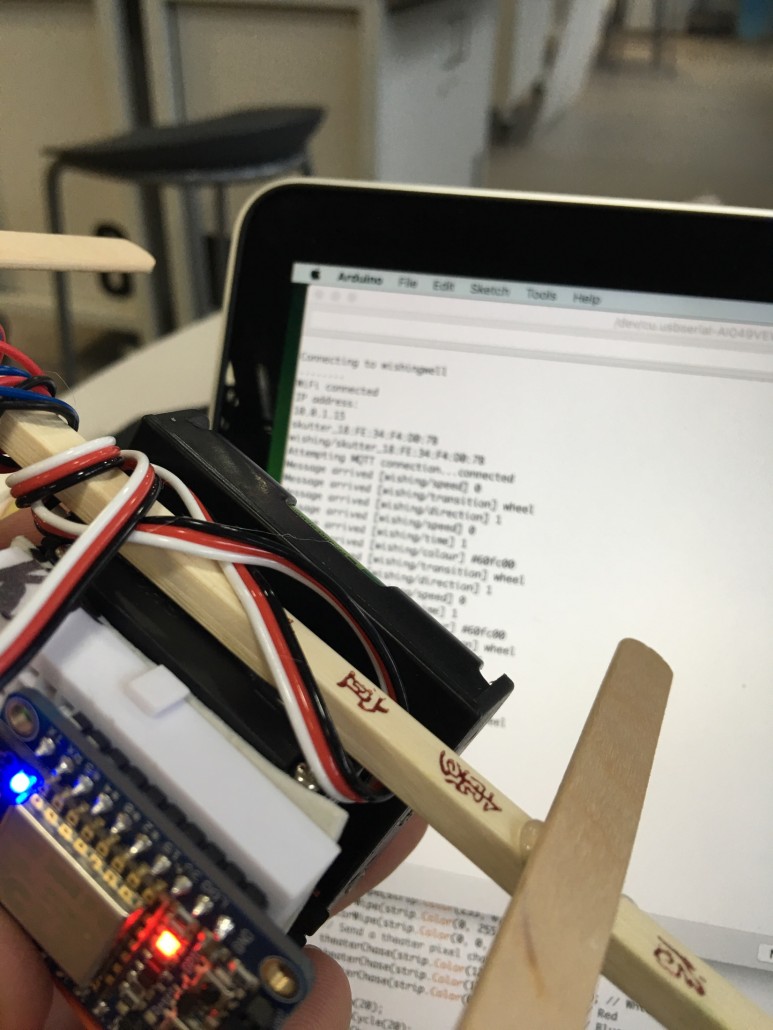
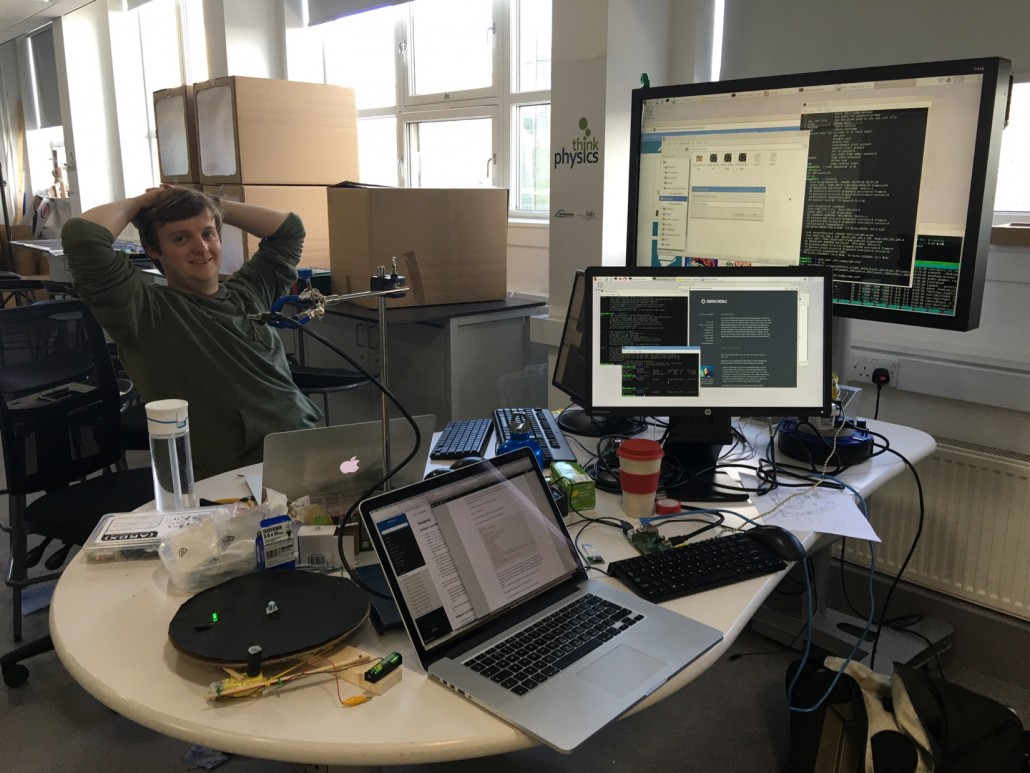
  • The rotating light robots run on Adafruit Huzzah controllers, which are cheap wifi-enabled boards. They’re driving NeoPixel colour-changing LEDs, and are glued to continuous-rotation servos. The package is powered with three AA batteries. We call the robots ‘Skutters’ because they remind us of the robots in the comedy series Red Dwarf. The skutters were built by students from Churchill College Maker Club, which saved us a lot of soldering and fiddling with tiny bits of wire.
  • We’ve a wifi hub so we’re self-contained, then we’re routing that network out to the world. We tried really hard to make that router yet another Raspberry Pi, but after a few hours we gave up, plugged a Mac in, and clicked about three buttons. If anyone at the Faire is an ipfw guru we might yet manage to solve this.
  • There’s another Pi – another 3 – running a tabletop version of the installation, to demonstrate that all your really need is a Pi, a Pi Camera, and a lazy susan turntable. We bought ours from Ikea for a fiver.

You’ll find all the code we’re running at the project’s Github page. It’s very roughly-presented right now. If you have a Pi Camera it’s really very straightforward to get this stuff running for yourself. We’ve love to see your results, and you might also want to fix some of the bugs and problems with our programs!
0 replies

Leave a Reply

Want to join the discussion?
Feel free to contribute!

Leave a Reply

Your email address will not be published. Required fields are marked *

This site uses Akismet to reduce spam. Learn how your comment data is processed.

© Northumbria University 2014-26